

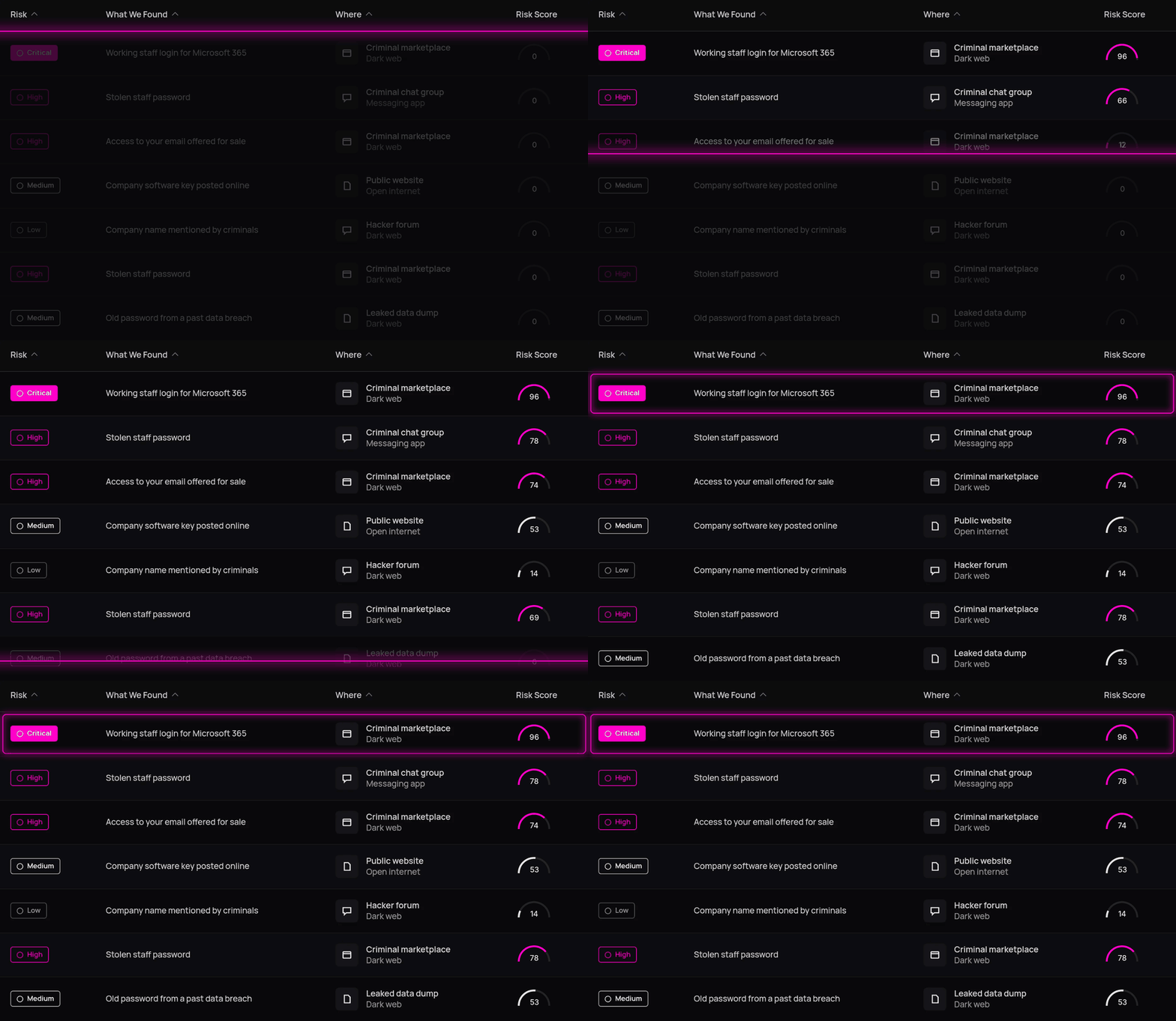

Centralised Asset Inventory
Bring your laptops, servers, mobile devices, domains, websites and IP addresses together in one place. CybaOps combines information from different sources into a single record per asset, making your environment easier to understand and manage.

Automated Asset Discovery
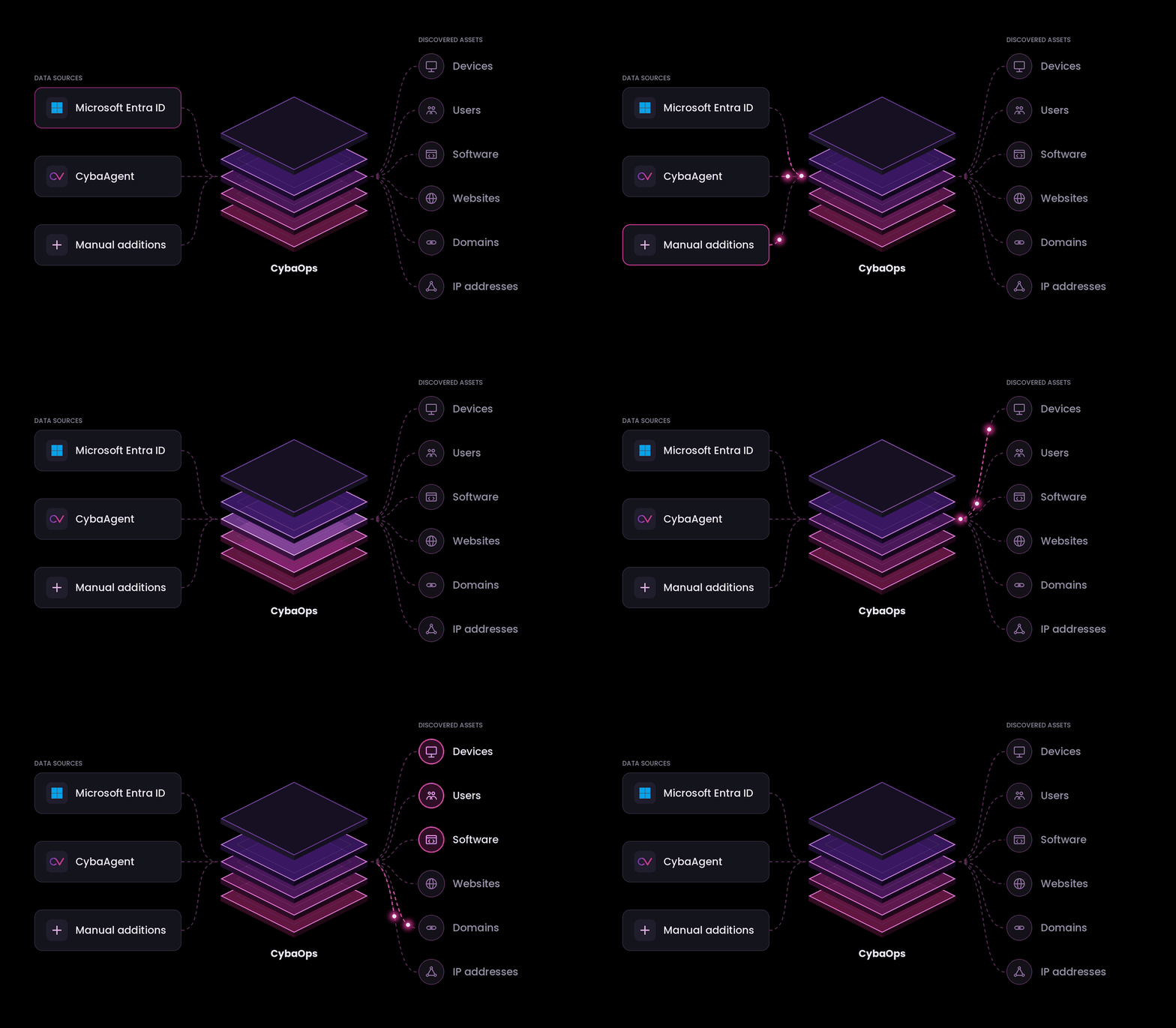
Populate your inventory through CybaAgent, supported integrations such as Microsoft Entra ID, or manual additions. Reduce the time spent building asset lists and keep your records connected to your environment.

Identify Missing or Unprotected Devices
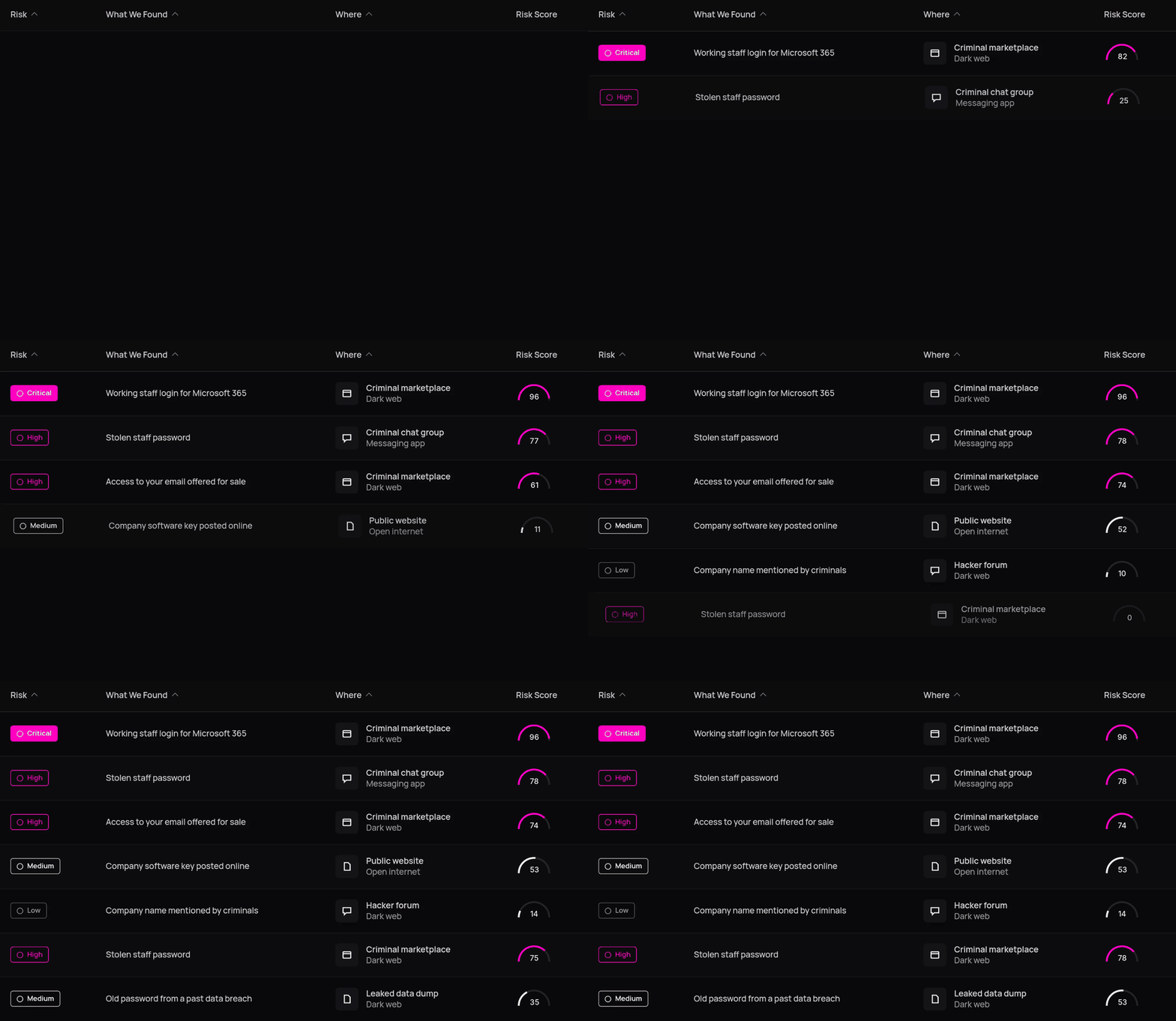
Find and filter assets that haven't reported recently or don't have CybaAgent installed. Spot potential gaps in your coverage and identify devices that may need closer attention.

Asset-Level Vulnerability Visibility
See vulnerabilities discovered through CybaAgent scanning against the relevant asset. Understand which devices are affected and use that information to prioritise security improvements.


Centralised Asset Inventory
Automated Asset Discovery
Identify Missing or Unprotected Devices
Asset-Level Vulnerability Visibility


1
Connect Your Sources
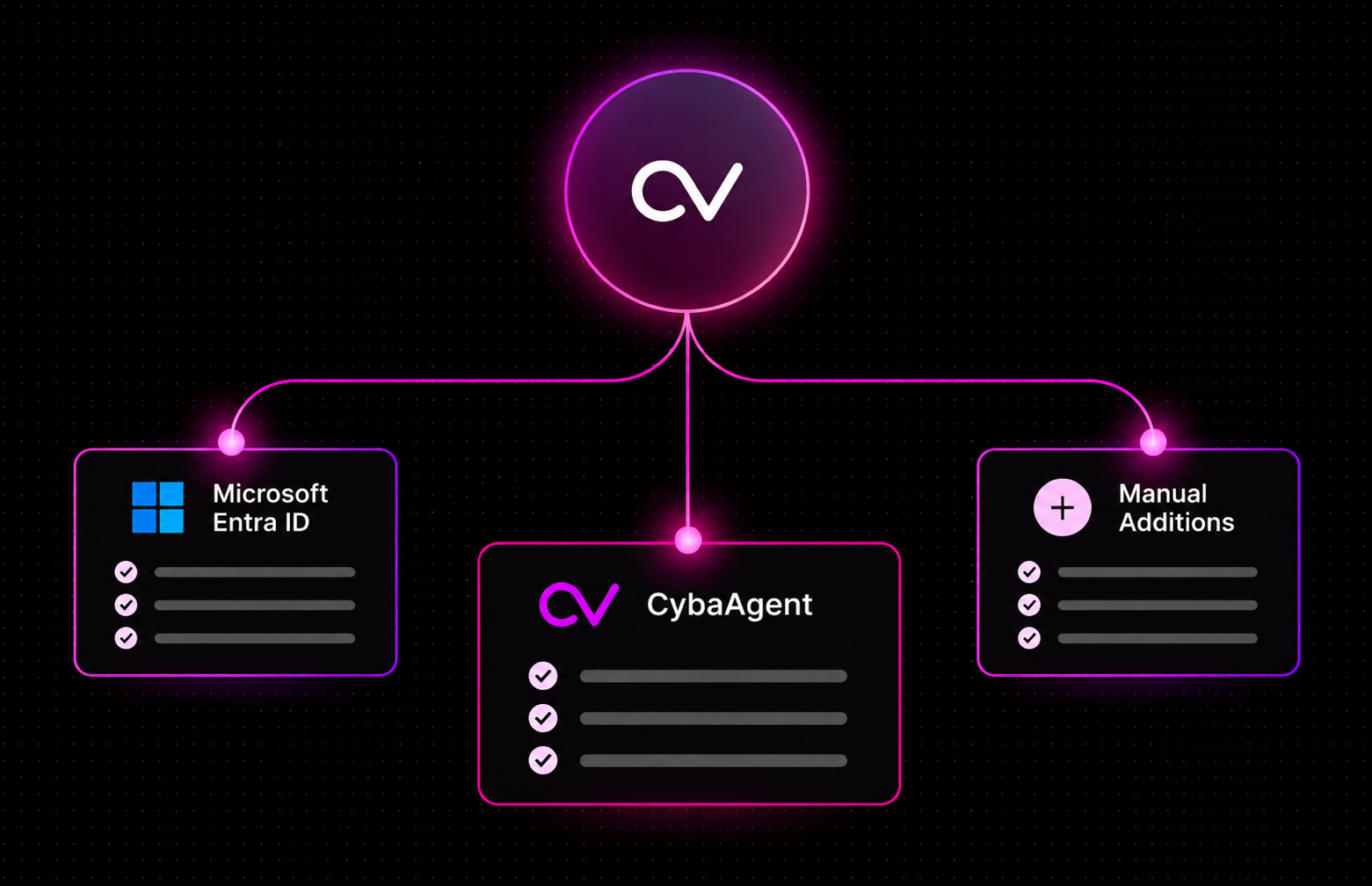
Bring in asset data from Microsoft Entra ID, CybaAgent and manual additions.
2
Build the Asset Inventory
CybaOps creates a single, consolidated list of all your devices and internet-facing assets.
3
Investigate Risks & Weak Settings
Explore each asset, review configurations and see vulnerabilities and gaps in protection.
4
Take Action Across CybaOps
Use asset insights to drive remediation, support compliance and power wider security operations.
1
What is asset management in CybaOps?
It's a live inventory of your laptops, servers, phones, users and internet-facing assets, built from CybaAgent, connectors such as Microsoft Entra ID and anything you add. Each asset gets one record that links to its security checks and vulnerabilities.

2
How does CybaOps find unknown or unmanaged devices?
Entra ID shows devices that are registered but have no agent. Filters show assets without CybaAgent and devices that have stopped reporting, so you know where to deploy next.
3
Where is my data hosted?
CybaOps is hosted in AWS UK and EU regions (London and Ireland).
4
Do I need to replace my existing security tools?
No. CybaAgent works alongside Microsoft Defender or any antivirus you already run. It adds a layer on top rather than replacing what you have.
5
Which operating systems does CybaAgent support?
Windows, macOS and Linux. A single install covers asset details, security checks, vulnerability scanning and EDR.
6
How does asset management connect to vulnerabilities?
Every asset record shows its open vulnerabilities and failed security checks, prioritised by severity. You see what's exposed, on which device, in one place.
7
Can MSPs manage asset visibility across all their customers?
Yes. CybaOps is a multi-tenant platform, so partners can see every customer's estate from one place while each customer's data stays separate.